

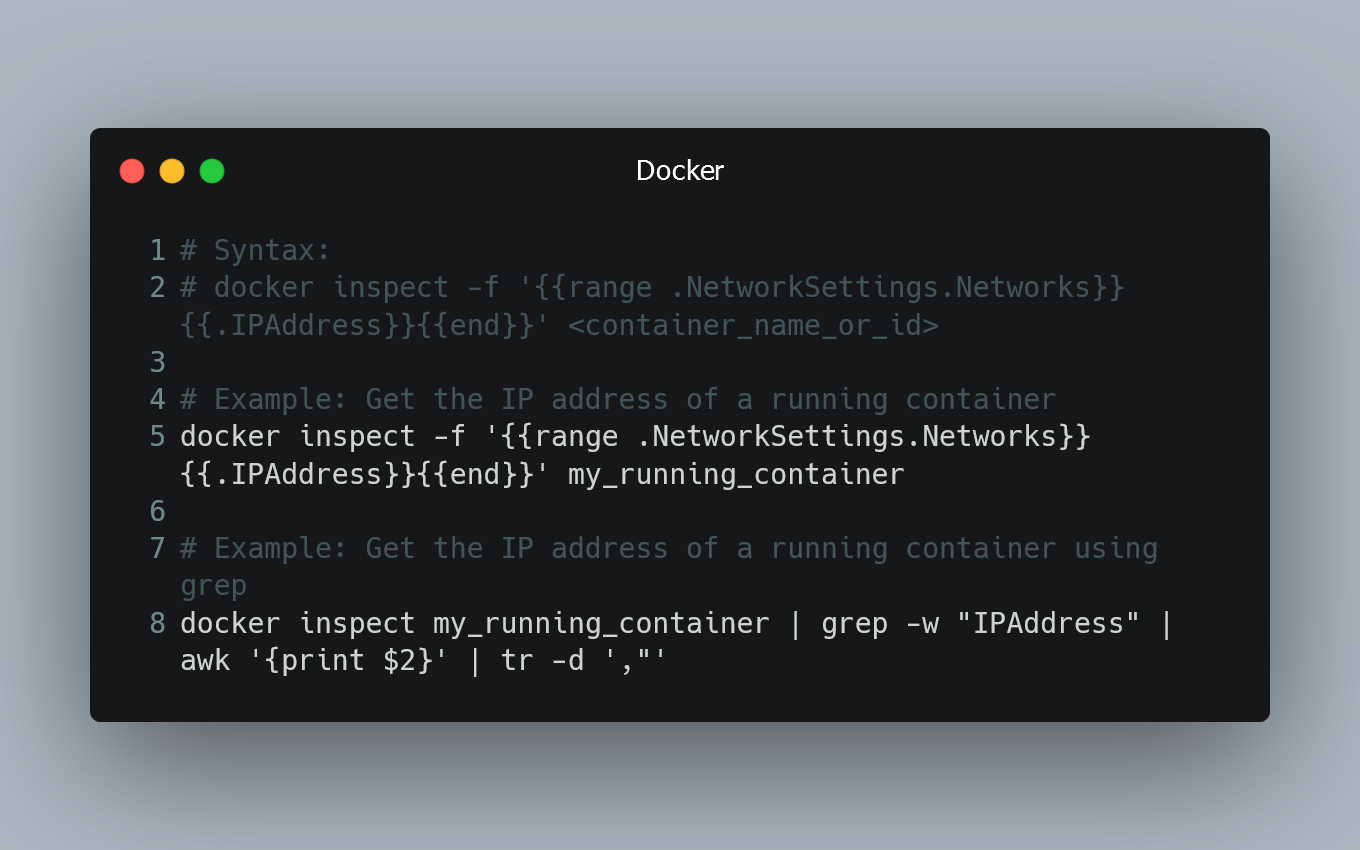
Getting a Docker container's IP address from the host
To obtain a Docker container's IP address from the host machine, you can use Docker commands and inspect the container's network settings.
Using docke...

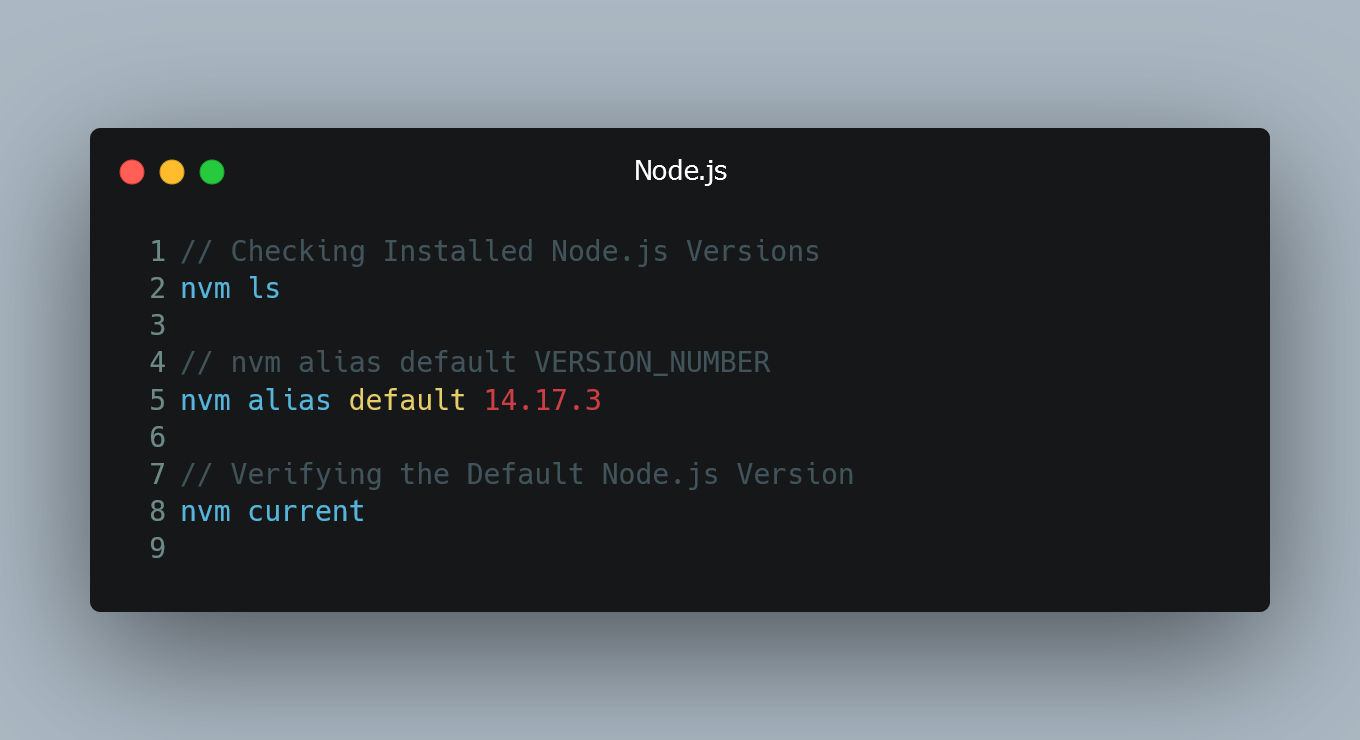
Setting the Default Node Version using NVM
NVM (Node Version Manager) is a popular tool that allows you to manage multiple Node.js versions on your system. By default, when you install NVM, it...

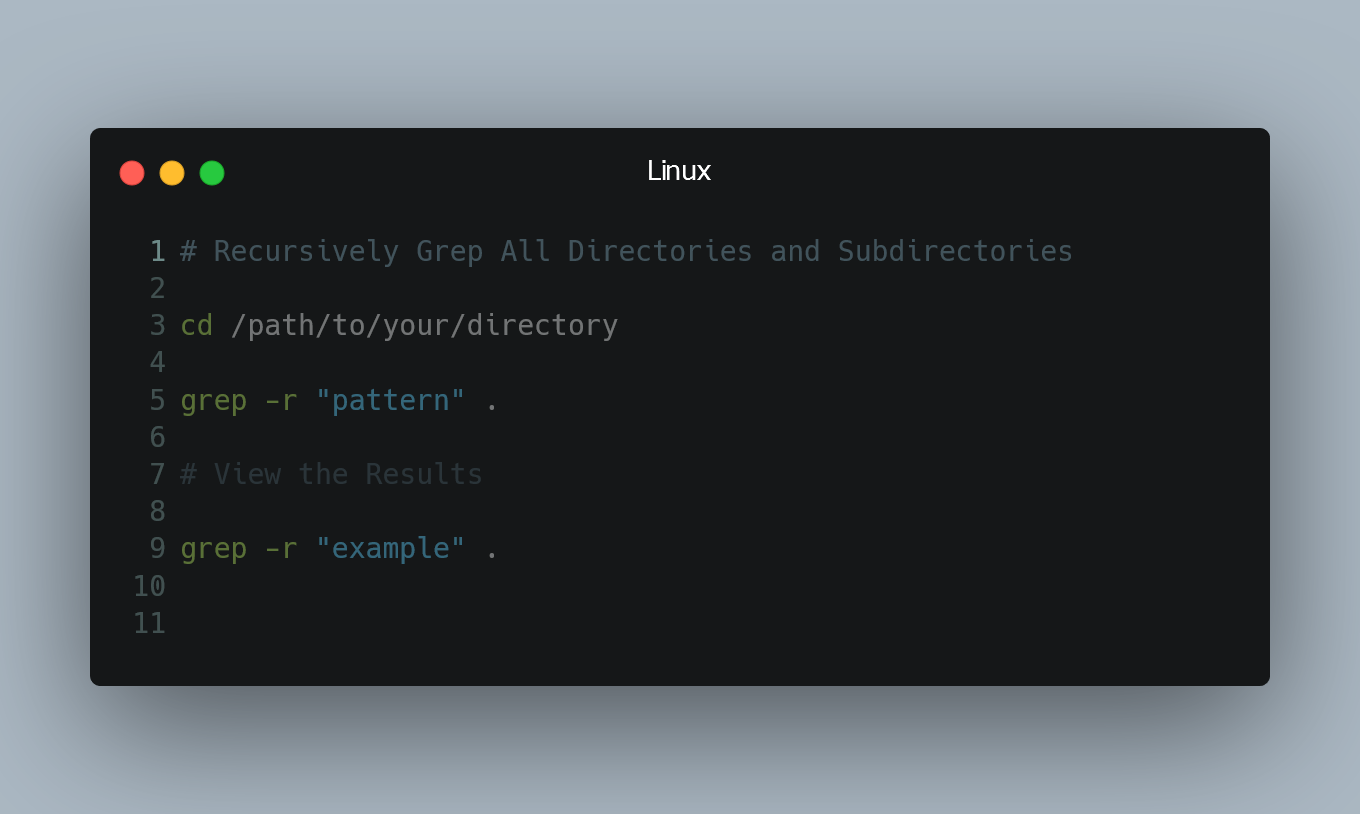
Recursively Grep All Directories and Subdirectories
To search for a specific pattern in all directories and their subdirectories in Linux, you can use the grep command with the -r option.
Using the grep...

Installing a Specific Version of a Ruby Gem
When working with Ruby gems, you might need to install a particular version of a gem to ensure compatibility with your project. Fortunately, Ruby's pa...

Creating a .pfx File from Certificate and Private Key
A .pfx file (Personal Information Exchange) is a container format that holds both the public certificate and its associated private key. It is commonl...
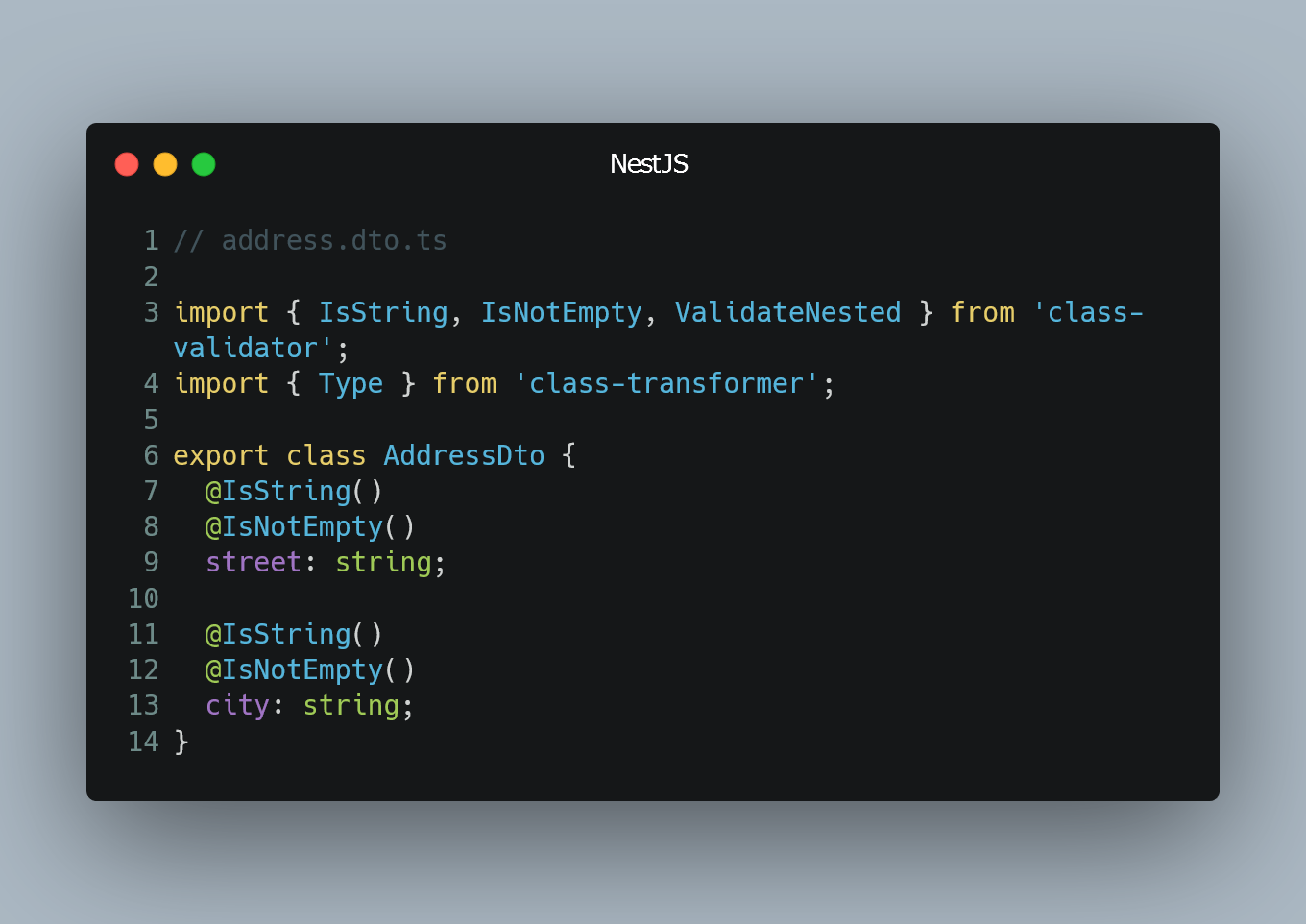
Validate Nested Objects Using Class Validator
NestJS provides a powerful validation feature that integrates with class-validator to validate incoming data. You can easily validate nested objects i...
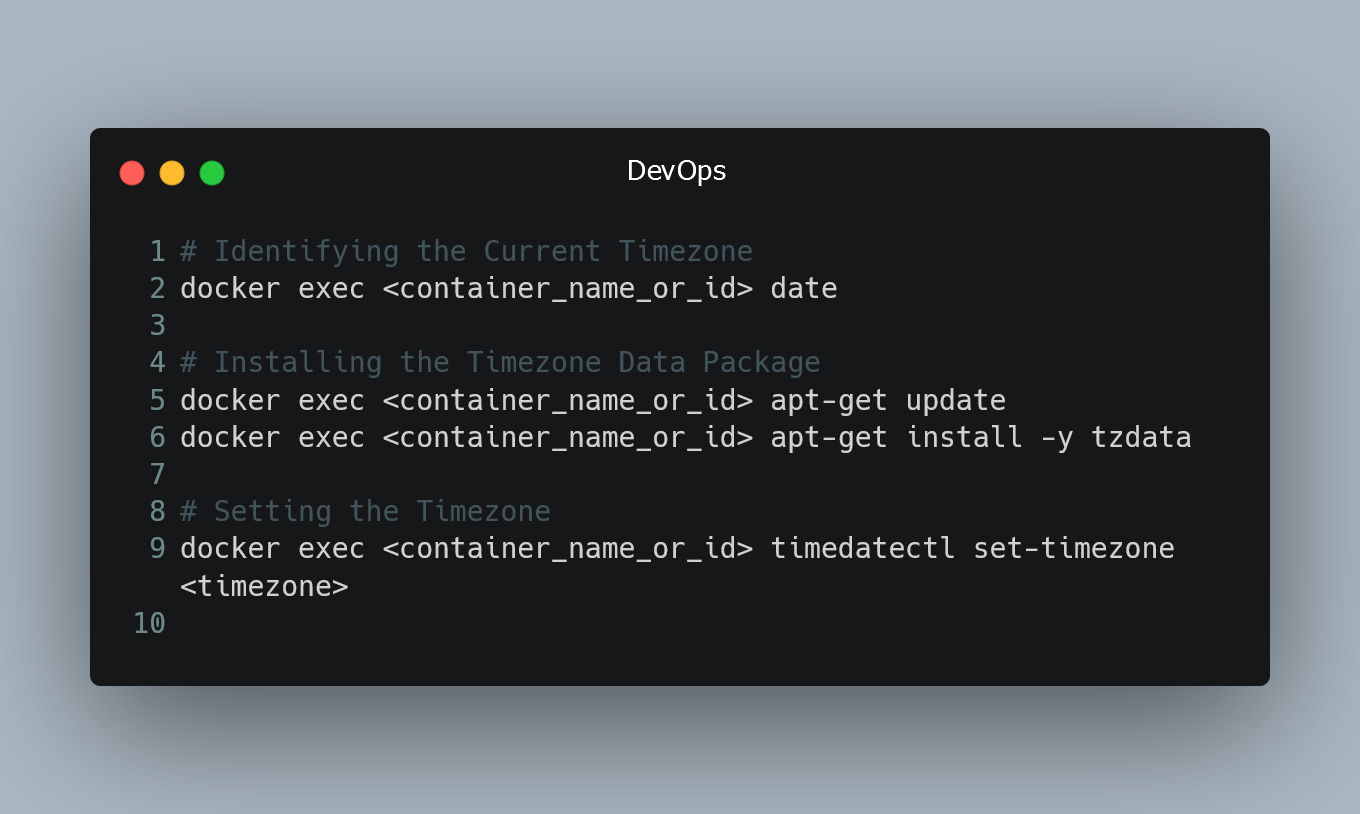
Changing Timezone in a Docker Container
By default, Docker containers inherit the timezone of the host system. However, there might be cases where you need to change the timezone inside a Do...

Encrypting HTTPS Headers
HTTPS (Hypertext Transfer Protocol Secure) is a secure version of HTTP that encrypts data to protect it from eavesdropping and tampering.
Understandin...

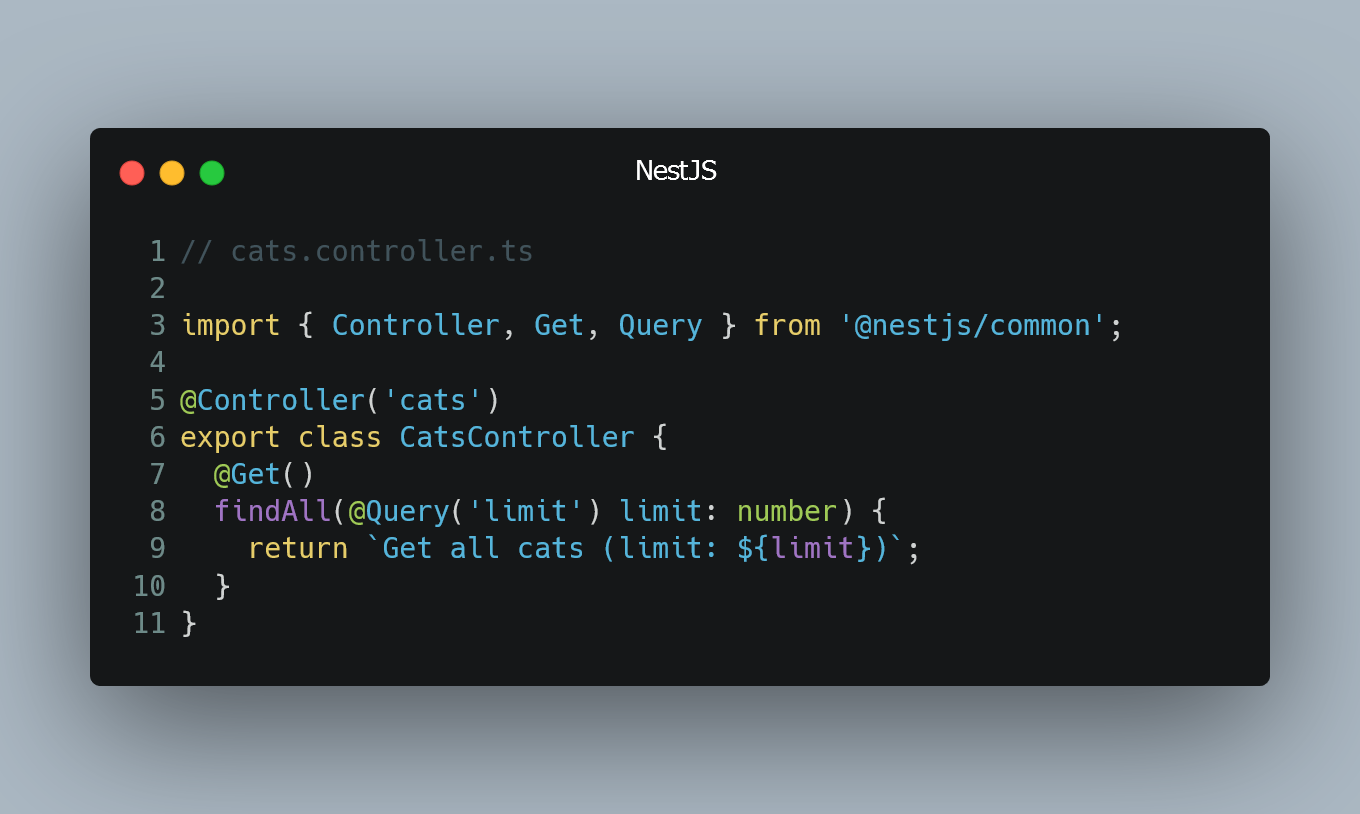
Using Query Parameters
In Nest.js, query parameters are a common way to pass data to an API endpoint through the URL. They allow clients to send additional information to th...
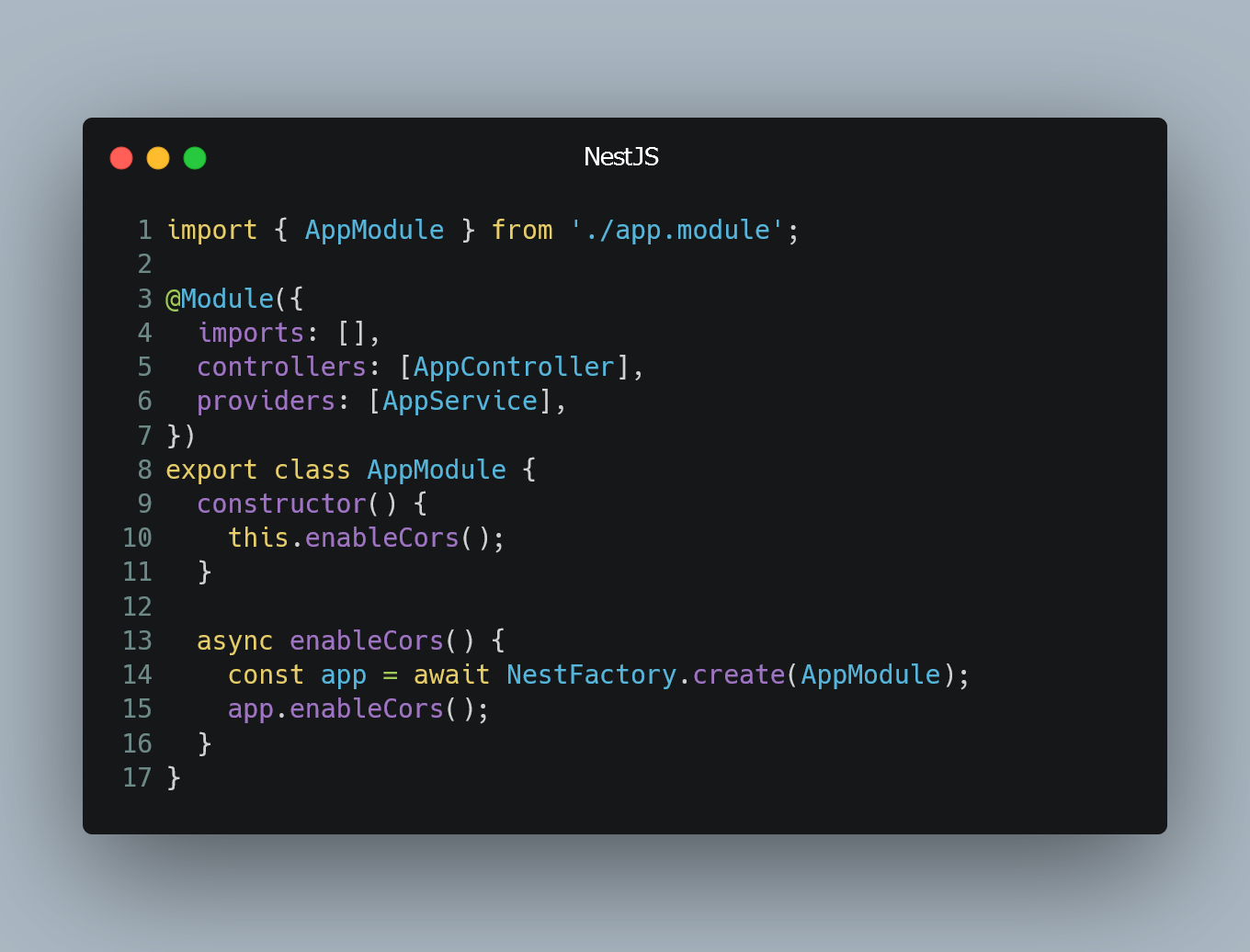
Enabling CORS in NestJS for Production
Cross-Origin Resource Sharing (CORS) is a security feature implemented by web browsers that restricts web pages from making requests to a different do...